Black Friday: try Sideview Pro free, then save on your first year
Our Black Friday sale on Pro Annual: a free trial, then a lower price for your whole first year. What Pro adds, and how the deal works.
By Sideview · November 24, 2026
Sideview is free: the panel, every supported AI and as many chats as you like, with no Sideview account. Pro adds the tools for working with the page you're on and across AIs. Until Monday, November 30, our Black Friday sale takes 50% off your first year of Pro Annual, after 7 days free with no card required.
What Pro adds
Everything in the free panel, plus:
- Quick chat dock. Ask from any page with your selection, the page or a screenshot.
- Send anything to chat. The page as Markdown, an image, part of the page, a full-page screenshot, a PDF, a YouTube transcript, a link or several tabs.
- Right-click actions. Summarize, explain or translate in your own words, and run any saved prompt.
- Quick search. Ctrl+Shift+K to switch AIs, run actions, find chats and insert prompts.
- Saved prompts. Folders, built-in blanks, ;;shortcuts, steps and share links.
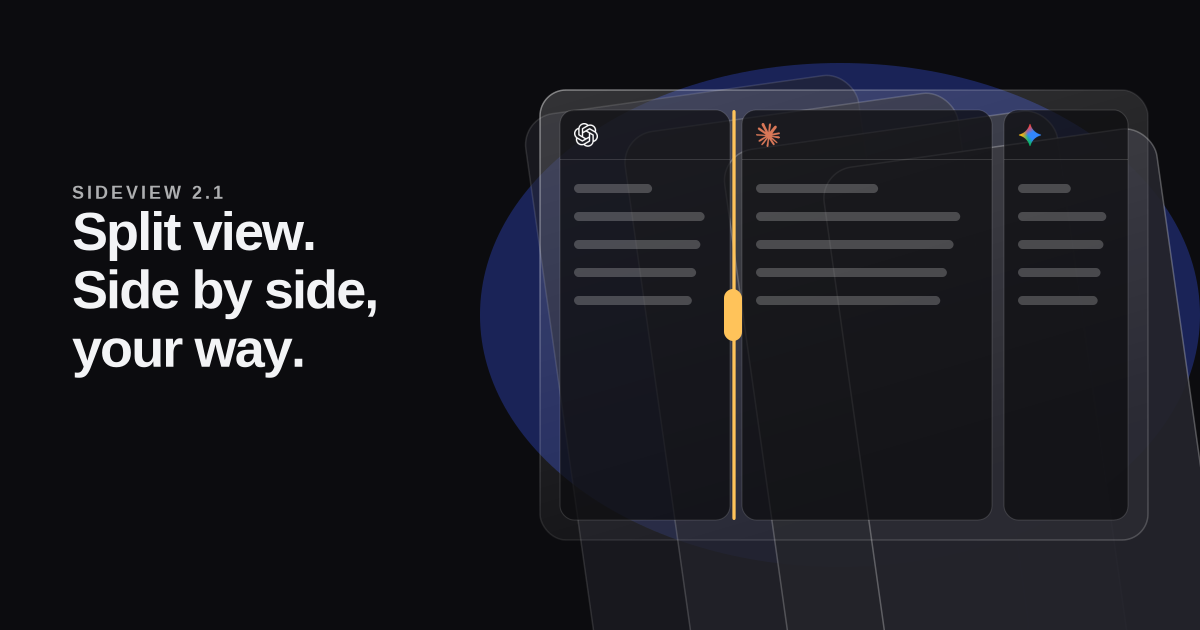
- Split view. Up to four chats beside each other in the panel, each sized by dragging.
- Compare and ask another AI. Up to four AIs side by side in a full tab, saved sets, and a second opinion in one click.
- Answers out. Save chats as Markdown or PDF, send them to Obsidian, or put the last answer into the page.
- Notes. A Notion-style notebook beside your chat, synced across your computers.
- Site rules. Pick an AI, a prompt or a linked chat for each site or page pattern.
- Workspaces and sync. Switch between sets of tabs, open Sideview in its own window, and continue on your other computers.
- Add any chat site. Use another AI chat, such as your company’s, like the built-in ones.
Every tool works with the AI accounts you already have, so there's nothing extra to pay an AI company. See each one in action on the features page.
How the deal works
- It's on Pro Annual. Choose yearly at checkout and the discount is applied for you. There's no code to type. Monthly Pro and Teams aren't part of the sale.
- Try it first, free. If you've never had Pro, your first 7 days cost nothing and need no card. Stripe emails you before the trial ends. Add a card to keep Pro; if you don't, it simply stops and you're never charged.
- The price holds for your first year. Start before the sale ends and you keep the sale price for your first year, even if your trial ends after the sale does.
- Then the usual price. Your second year renews at the regular yearly price ($40 USD a year), unless you cancel.
- Cancel any time under Manage billing on your account page. You keep Pro until the end of the period you've paid for.
- Your currency. The pricing page and checkout show the price in your currency.
Already using Sideview?
After checkout, open Sideview's settings and choose Sign in under Account & plan, in each browser where you use it. Pro turns on right away, with nothing to reinstall. If you're new, install Sideview first (below), then come back to start Pro.