
Blog and guides.
News about Sideview, and how to get the most from the AI accounts you already have, right beside your tabs. Every change in each version is in the release notes.
Sideview vs Sider: which AI sidebar fits you?
Sider sells you AI usage through its own credits. Sideview puts the AI accounts you already have beside your tabs. Here is how to choose.
Sideview vs Monica: compare AI sidebar extensions
Monica is an all-in-one assistant with its own subscription. Sideview opens the AI chat you already use beside every tab. Compare the trade-offs.
Sideview vs Gemini in Chrome: which sidebar should you use?
Gemini in Chrome is built in and reads your tabs, but it is Gemini only. Sideview gives you ChatGPT, Claude, Gemini and more in the same panel.
Hide Firefox’s sidebar header for more chat space
Firefox puts its own title bar above every sidebar. A short stylesheet hides it, for Sideview only or for every sidebar, and gives your chats that space back.
How to use ChatGPT in a Chrome sidebar
Open ChatGPT beside your browser tabs with your existing account. Keep separate chats for reading, writing and your next question.
How to use Claude in a Chrome sidebar
Keep Claude’s full interface beside your work, including the history and projects available to your Claude account.
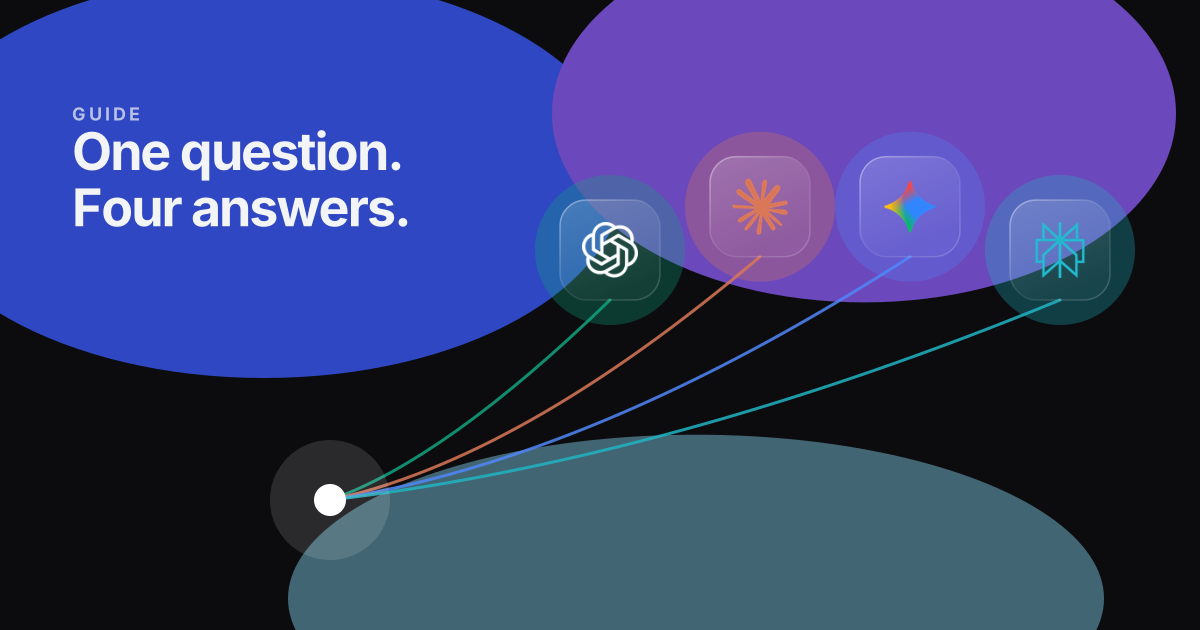
Compare ChatGPT, Claude and Gemini side by side
Use free chat tabs for separate conversations, or send one question to two or three providers with the Pro comparison tool.
Need help installing or signing in? See the Sideview docs.