Notes in Sideview: write beside your chats, on every computer
The scratchpad is now Notes: as many as you like, with a proper editor and pages inside pages, synced to every computer you use, and encrypted end to end if you want.
By Sideview · November 12, 2026 · Version 2.2.3

The useful part of an AI chat is rarely the whole chat. It's a paragraph from one answer, a list from another, and the thing you figured out in between. Until now, Sideview had a single scratchpad for that. In 2.2.3 it becomes Notes: as many notes as you like, with a proper editor, kept beside your chats and on every computer you use.
Notes, beside your chats
Choose ⋯ > Notes and your notes open in a tab of their own, next to the chat on screen. The list shows each note by its title, the last edited first, so a long list stays easy to scan. Search finds a note by its title or anything in it, and pinned notes stay at the top.
- A real editor. Headings, bulleted, numbered and to-do lists, quotes, callouts, code and dividers, with bold, italic, highlight and links. Type Markdown such as
#or-and it turns into formatting, or type / for a menu of blocks. - Select like a document. Drag from the middle of one paragraph into the middle of another to copy, delete or format just that part, as you would in Notion.
- Pages inside notes. Type /page to start a page inside a note. Pages can hold pages of their own, show under their note in the list, and move anywhere with Move to….
- Every emoji. Give any note an icon, or type
:and a word, such as:tada, to add one as you write. - Straight from the chat or the page. The / menu adds the last answer or the whole chat. Right-click selected text on any page and choose Add selection to Notes to add it, with a link back to where it came from.
- Hard to lose. Deleted notes wait in Recently deleted for 30 days, and Undo brings one back straight away.
Your old scratchpad becomes your first note, so nothing you had is lost. More about Notes.
On every computer, in seconds
Notes now sync through your Sideview account, so a note written at work is waiting on your laptop at home. It's on as soon as you sign in. With the panel open on two computers, an edit on one shows on the other a couple of seconds after you stop typing, even in a note that's open there.
- Offline first. Notes live on each computer and work without a connection. They sync as soon as you're back.
- Nothing silently overwritten. If the same note changes on two computers at once, both versions are kept, the second as a conflicting copy you can merge or delete.
- Room to grow. Each account syncs up to 5,000 notes and 50 MB, and a note that's too long to sync stays on its computer and says so.
- Yours to turn off. Settings > General > Notes turns sync off, and can delete the synced copy too. Notes on each computer stay.
Encrypted end to end, if you want
Set a notes password and every note, title included, is encrypted on your computer before it's sent. The password never leaves your computers, and we keep only what lets a computer check it, so we can't read your notes. Each of your other computers asks for the password once. It's optional for Pro, and on by default for Team accounts.
One thing to know: because we never see the password, we can't recover your synced notes if you forget it. You can set a new password, and your computers send their notes again, encrypted with the new one.
Also new
- What's new, once. After an update that brings something new, the panel shows one short card about it, with a clip. It never shows twice, and you can turn it off in Settings.
- A clearer Compare. Your picks are numbered, the compare tab names each AI once and shows what it's doing, and Save the comparison keeps the question and every answer.
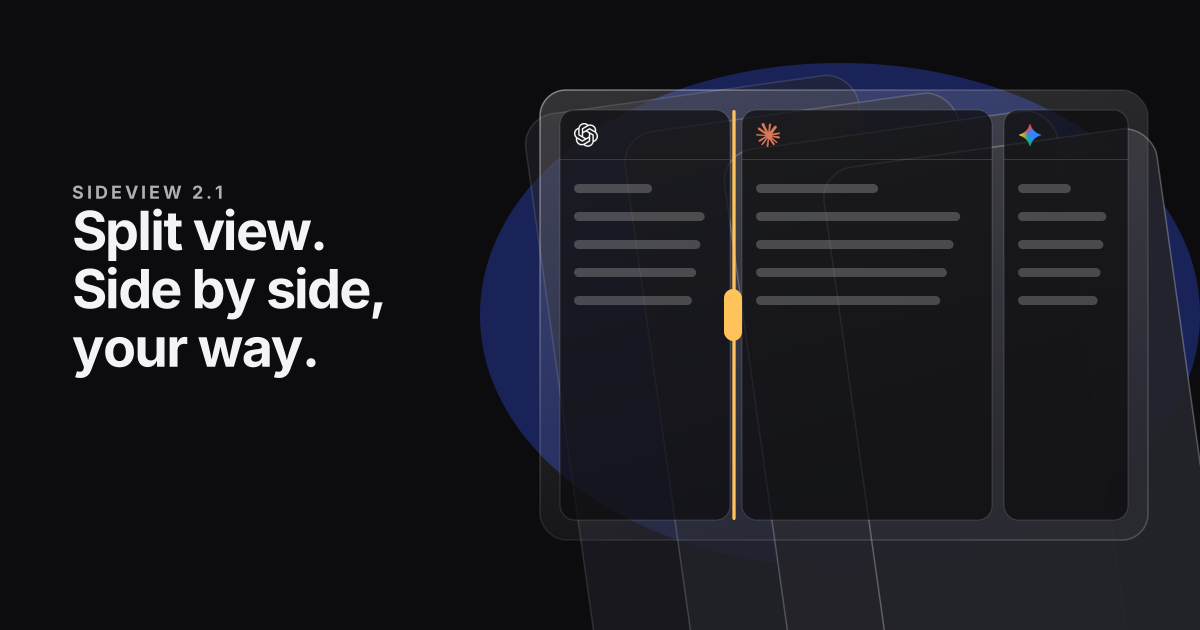
- Split view at full height. Each chat in a split gets the whole panel's height.
- See Pro before you buy. Without Pro, ⋯ > Pro tools… lists every Pro tool, with a short clip of each one in use.
- Small things. Copying a link or a note confirms it with a quick word beside the ⋯ button, Settings stays a comfortable width in a wide panel, quick chat dock messages always send, and dragging a tab to the end of the strip no longer shows the All tabs button early.
Updating to 2.2.3
Sideview updates itself, and 2.2.3 asks for no new permissions. Notes and notes sync are part of Sideview Pro and the team plan. What we store when sync is on, and what we can't see, is in the privacy policy.
Every change is in the release notes. Tell us what works and what doesn't from Settings > About > Report a problem.